Introduction
In today’s digital age, personal computers (PCs) have become a household necessity. Whether you are a gamer, a content creator, or just someone who browses the internet, understanding the primary components of a PC can be invaluable. This article offers an overview of the fundamental parts that constitute a PC.
1. Central Processing Unit (CPU)
The Brain of the PC
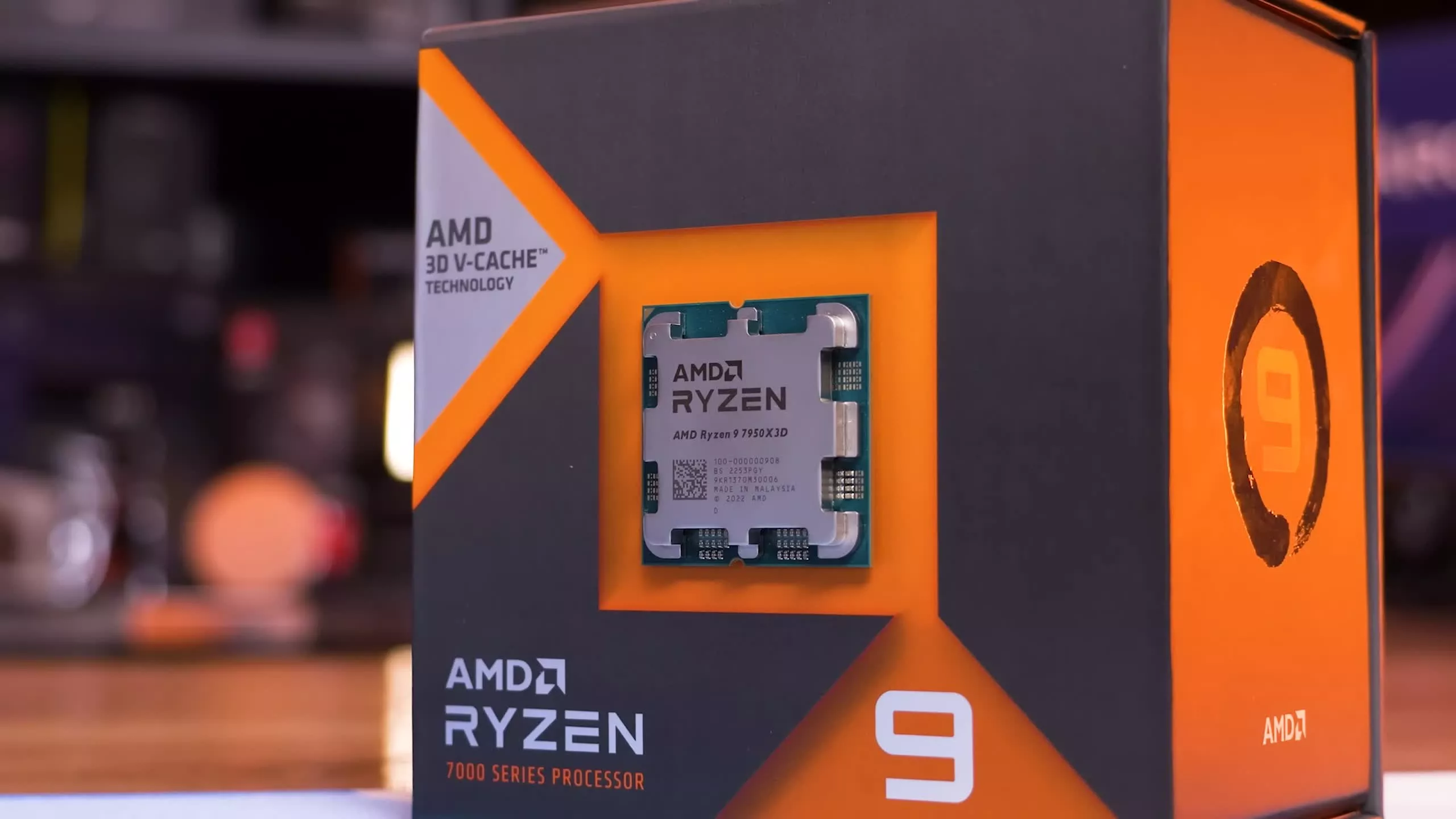
The CPU is the heart of the computer, handling most of the processing inside the PC. It interprets computer program instructions and processes data. Modern CPUs are multi-core, meaning they contain more than one processing unit, which allows for multitasking and enhanced performance.
2. Motherboard
The Central Hub
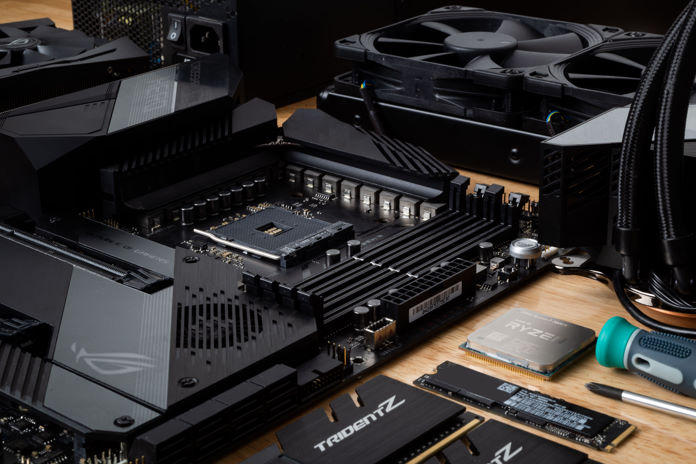
The motherboard is the primary circuit board and provides the means of communication between all other components. It hosts the CPU, RAM, and provides connectors for other peripherals. A good motherboard will support high-speed connections, future upgrades, and multiple expansion slots.
3. Random Access Memory (RAM)
The Short-Term Memory
RAM is the computer’s short-term data storage. It stores data that is actively being used or processed by the CPU. Since data can be read from and written to RAM quickly, having enough RAM is crucial for ensuring smooth computer operations. For general use, 8GB to 16GB is usually sufficient, but intensive tasks like video editing or gaming might require more.
4. Storage Devices
Hard Drive (HDD) and Solid-State Drive (SSD)
While RAM provides short-term memory, storage devices like HDDs and SSDs offer long-term storage. HDDs use magnetic disks and are typically slower but offer more storage at a lower cost. On the other hand, SSDs are much faster, using flash memory, and are becoming standard in most modern PCs.
5. Graphics Processing Unit (GPU)
The Visual Mastermind
Often called a video card, the GPU handles rendering images and videos. For users who game, edit videos, or work on graphic design, a dedicated GPU is essential. Some CPUs come with integrated graphics, suitable for basic tasks but not for graphically intensive work.
6. Power Supply Unit (PSU)
The Energy Provider
The PSU converts power from your wall outlet and supplies it to the PC components. It’s crucial to have a reliable PSU that offers enough power for your system. Moreover, some are modular, allowing you to only use the cables you need, helping with cable management.
7. Cooling System
Keeping Things Chill
PC components generate heat, and without proper cooling, they can overheat, leading to performance issues or damage. There are two main types of cooling: air and liquid. Air cooling uses fans to dissipate heat, while liquid cooling uses a liquid coolant to absorb and then disperse heat using radiators.
8. Optical Drives
Reading and Writing Discs
Though becoming less common due to USB drives and online downloads, optical drives read CDs, DVDs, and Blu-ray discs. They can be essential for installing older software or playing physical media.
9. Expansion Cards
Adding Extra Features
Expansion cards slot into the motherboard and provide additional features not included on the board itself. Examples include sound cards, Wi-Fi cards, and additional USB ports.
10. Computer Case
The Protective Shell
The case houses all the components, protecting them from dust, damage, and static electricity. They come in various sizes, from compact mini-ITX builds to large full-tower designs. When choosing a case, consider airflow, cable management, and aesthetics.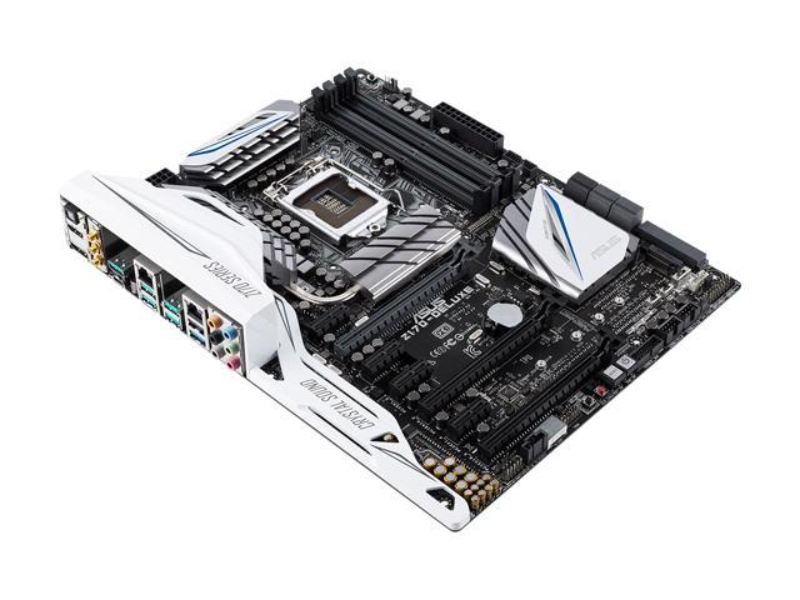
Conclusion
Building or upgrading a PC can be a rewarding experience, especially when you understand each component’s function. Whether you’re looking to optimize for gaming, content creation, or general use, knowing the importance and role of each PC component will guide you to make informed decisions.
Remember, technology is ever-evolving, so always keep an eye out for the latest advancements in PC components to ensure you’re getting the best performance and value for your needs.